Starbucks Partner Hours
Starbucks Partner Hours App is the heartbeat of the store. It’s the digital system that dictates who is behind the bar and when. Starbucks Partner Hours refers to the scheduling system and mobile app used by employees to manage their work shifts, track total hours, and communicate with the team.
Install Starbucks Partner Hours App Manually:
Step 1
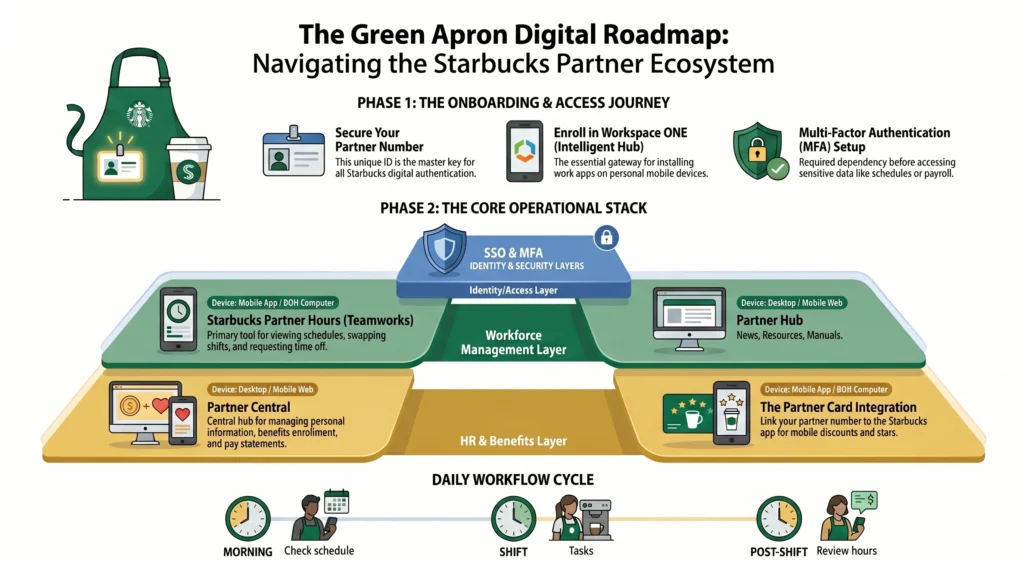
Install Workspace One Intelligent Hub: Partner Hours is only available through Workspace One Intelligent Hub (Google Play or Apple App Store).
Step 2
- Open the app and choose “Enter Server Details Manually.
Step 3
- Input Starbucks server URL → This information is provided by your store manager or Partner Hub.
Step 4
- Log in with Global Username → Same credentials as partner.starbucks.com.
Step 5
- Enter Partner Number → Your 8‑digit ID from pay stubs or Partner Hub profile.
Step 6
- Verify identity → Starbucks may send a code via email/SMS
Step 7
- Access Partner Hours → Once enrolled, the app will show your schedule, shift marketplace, and pay info.
Install Starbucks Partner Hours App QR Code
Step 1
- Tap the Notification Link
Once scanned the QR Code, your phone will display a secure enrollment link.
Wait for the pop‑up banner
Tap the link to open in browser
Step 2
- Redirect to Intelligent Hub
The QR code automatically connects you to Workspace ONE Intelligent Hub with Starbucks settings preloaded.
Confirm the redirect
Allow permissions if prompted
Step 3
- Enroll Your Device
This step registers your phone with Starbucks’ system.
Accept the enrollment agreement
Enter your Starbucks Global Username and Partner Number
Step 4
- Confirm Installation
After enrollment, the Partner Hours app appears inside Intelligent Hub.
Look for the Partner Hours icon
Tap to open and verify your schedule
What is Starbucks Partner QR Code?
If you’re a new member of the Starbucks partner team, you can ask your manager for the QR code directly, or download it from the official Starbucks resources online. Using that QR code, you can easily install the Partner Hours app on your device.
Starbucks Login
1. Open Workspace ONE Intelligent Hub → this is where Partner Hours lives.
2. Tap Partner Hours icon → it appears once your device is enrolled with Starbucks settings.
3. Enter Global Username → the same credentials you use for Partner Hub.
4. Enter Partner Number → your 8‑digit ID from pay stubs or profile.
5. Verify identity → Starbucks may send a code via email or SMS.
6. Access schedule → once logged in, you’ll see your work schedule, shift marketplace, and pay info.
Starbucks Partner Hours Platforms.
| Platform (Logins) | Purpose | Key Features |
|---|---|---|
| AppCafé | Store‑level operations app | Supports in‑store management, order flow, and operational tasks. |
| MyPartnerLinks | HR & benefits portal | Access pay stubs, benefits enrollment, tax documents, and HR policies. |
| My Partner Hours | Scheduling & workforce management | View schedules, request time off, swap shifts, pick up open shifts, and track hours for benefits eligibility. Runs on Blue Yonder WFMR. |
| Workspace ONE Intelligent Hub | App launcher & mobile access | Provides secure access to Starbucks apps (including Partner Hours) on mobile devices. |
| Partner Central | Corporate portal | Main login hub for partners; provides access to Partner Hours, HR tools, training, and company‑wide resources. |
| My Partner Info (MPI) | Payroll & Partner Card portal | Provides pay statements, incentive balances, absence records, and the 16‑digit Partner Card number + security code for discounts. |
What are the Starbucks Working Hours?
Starbucks working hours vary by location, but most stores worldwide operate between 6:00 AM and 9:00 PM, with some busy urban or airport branches staying open as late as 11:00 PM or even 24 hours. In Pakistan and other international regions, hours are set according to local demand and regulations, so it’s best to check the official Starbucks Store Locator for exact timings.
| Location Type | Common Opening Hours | Notes |
|---|---|---|
| Urban city stores | 6:00 AM – 9:00 PM | Standard hours in most cities. |
| Airport branches | 24 hours | Designed for travelers. |
| College campuses | 7:00 AM – 8:00 PM | Adjusted to student schedules. |
| Busy metropolitan areas | 6:00 AM – 11:00 PM | Extended evening hours. |
| International stores (e.g., Pakistan) | Varies by city | Must check local listings; some show 24‑hour placeholders. |

Starbucks Partner Central
- HR & Employment Portal
- Scheduling Access
- Training Materials
- Benefits Enrollment.
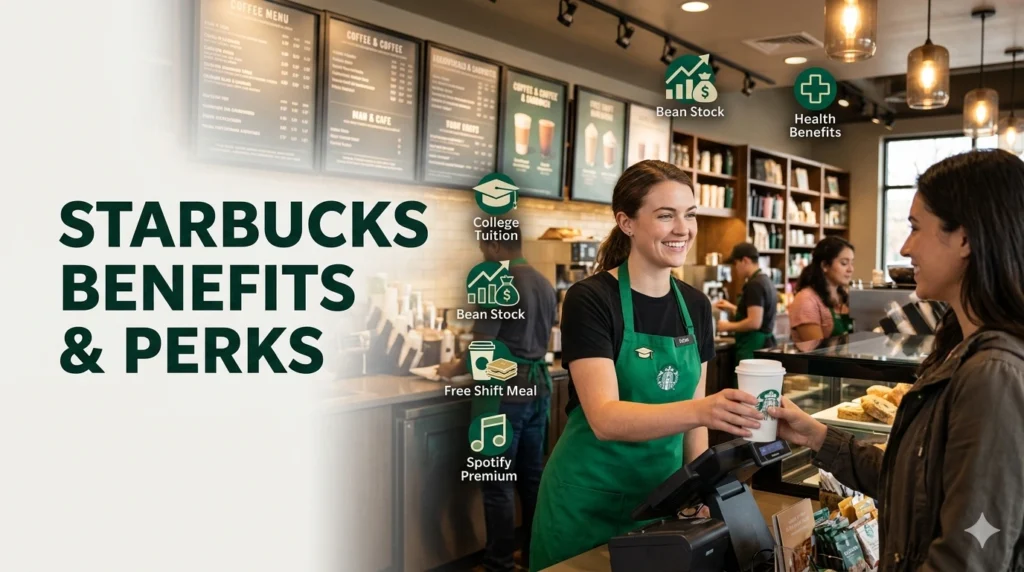
What are the benefits of being a Starbucks partner?
Benefits
- Health Insurance.
- mental health support
- Life Insurance
- Education
Starbucks Partner Policies & Logistics
- Scheduling: 85% of partners currently receive their preferred hours. Schedules are typically released with a four-week preview via the Sbux Partner Hours app.
- Labor Relations: Starbucks recently invested $500M in partner hours to increase store staffing and simplify work through technology.
- Digital Tools: Partners use My Partner Links or the dedicated SBUX Partner app for shift swaps, time-off requests, and viewing pay stubs.
Latest Update 2026
The latest update (April 2026) is that Starbucks Partner Hours now offers weekly pay for all U.S. partners, expanded tipping options through Mobile Order & Pay and Scan & Pay, and quarterly performance bonuses of up to $1,200 per year. The Partner Hours app and portal also continue to provide 24/7 access to schedules, shift swaps, and pay information. View Starbucks Employee Benefits
Starbucks AI Scheduling APP 2026
The Starbucks app improves staffing efficiency while giving partners (employees) more predictable and flexible work hours.. Explore Starbucks AI Scheduling
How Starbucks Tracks Hours
Time is tracked through Partner Central. As of April 2026, all worked time and time-off tracking transitioned to this platform.
How Starbucks Partners Change or Swap Hours?
The app makes it simple to trade. If you can’t make a shift, you can “post” it for others to claim.
- The Rule: You are responsible for your shift until another partner claims it and a manager approves it.
- Flexibility: Tools are now in place to pick up shifts at other locations if you need more hours.
How to Get W2 From Starbucks
Troubleshooting: “Partner Hours App Not Working”
Tech fails. Coffee doesn’t have to.
- Check Connection: Ensure you are on a secure HTTPS connection.
- Clear Cache: If using a browser, clear your data or try an Incognito window.
- CloudID Reset: If you are locked out, visit
cloudid.starbucks.comto reset your password.
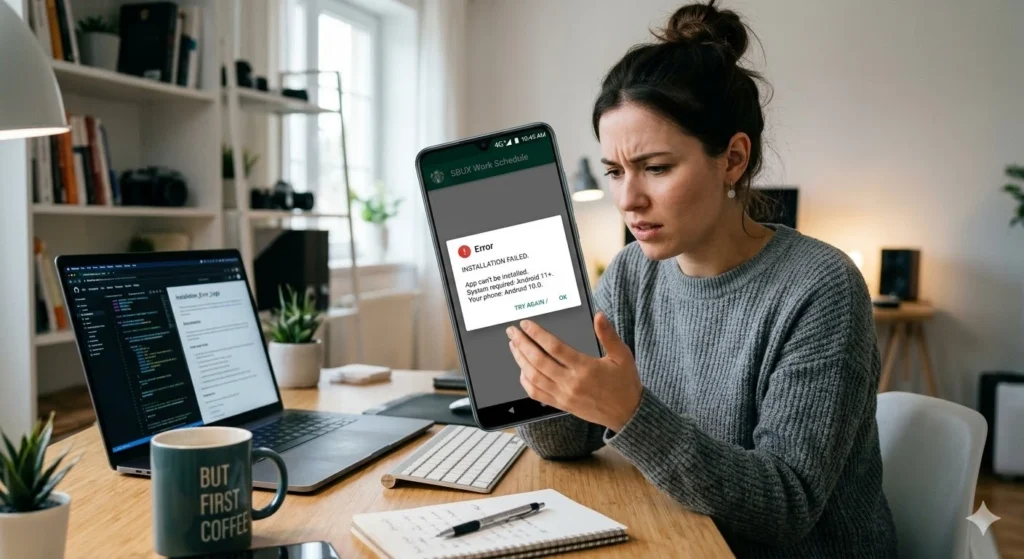
Fix Starbucks Partner Hours App Errors.
Teamwork Portal
Complete Guide
Read Article…
Starbucks Retail Portal
Complete Information
Read Article….
Coffeegear portal
Brewing Your Future
Learn More..
The schedule isn’t a cage; it’s a map. When you know where you stand, you can focus on the craft. Use the tools, claim your hours, and build the “Green Wave.”
Does starbucks have an app?
Yes — Starbucks absolutely has an official mobile app. It’s available for both iOS (Apple App Store) and Android (Google Play), and it’s one of the most widely used retail apps in the U.S.